Automation agent
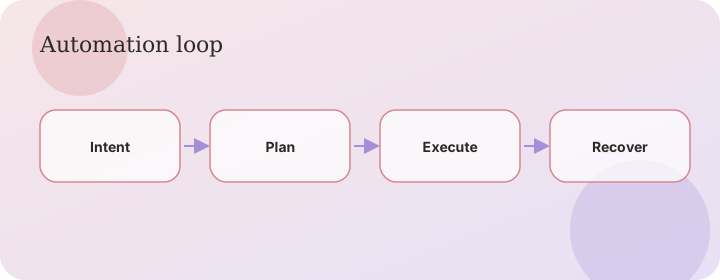
Intent → plan → execute → recover, shown as a conversation.
Flow
The loop
A goal becomes an intent object, then a DAG of tasks. Core nodes (HTTP, health, email) do not need a model. LLM nodes use your catalog plus Gemini. If a tool is missing, the orchestrator can invoke the MCP factory mid-run.
Direct health runs
If you ask to check the health of a URL, AgentOS can skip the planner and run core.health immediately. That path still works when Gemini quota is exhausted.
Browser
When there is no API, Chromium follows observe → decide → act on the starting domain only. Vault secrets fill login fields. CAPTCHA, OTP, and MFA pause the run: you complete them in the agent’s browser, then Resume. AgentOS does not solve or bypass those checks.
Schedules and approvals
Cron schedules fire the same goal unattended. Risky tools pause for a human decision in Approvals. Autonomy level in Settings controls how much is auto-approved.